Kompetenz in der dentalen Chirurgie und Implantologie
Your cart is currently empty
Product image slideshow Items


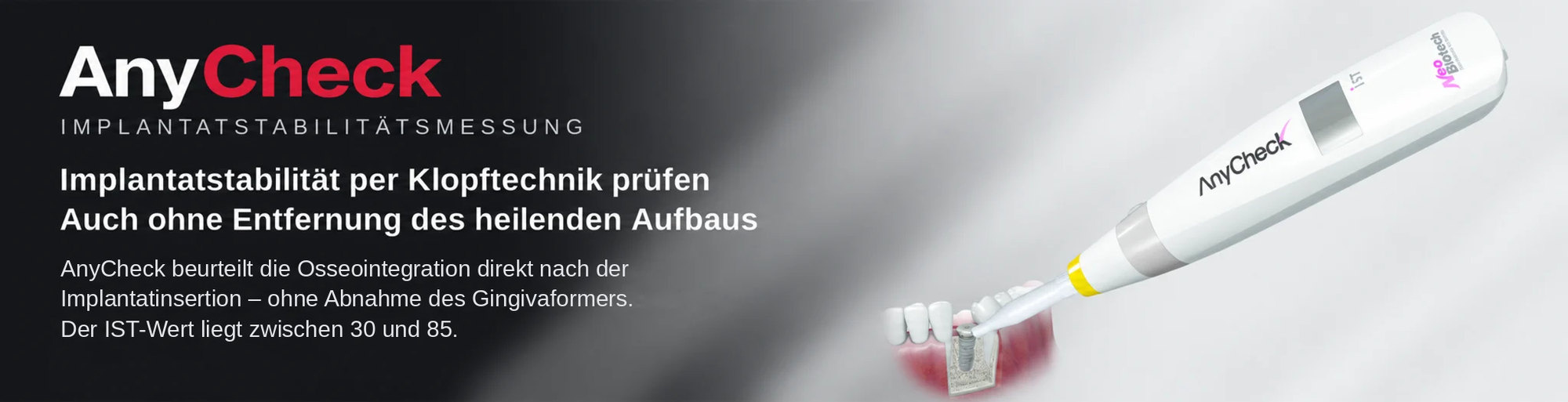
Measure implant stability with a tapping motion – directly on the healing abutment, no removal needed. IST value 30–85 with colour display, results in under 3 seconds.
| Display | IST value | Manufacturer guidance |
|---|---|---|
| Red | 30–59 | Low stability – consider extending healing time and measure again |
| Orange | 60–64 | From 60: bridge restoration recommended by the manufacturer |
| Green | 65–85 | From 70: single-tooth loading possible according to the manufacturer |
| Height | 1 mm | 2 mm | 3 mm | 4 mm | 5 mm | 6 mm | 7 mm |
|---|---|---|---|---|---|---|---|
| IST correction | −6 | −4 | −2 | ±0 | +2 | +4 | +6 |
1. Switch the device on using the button.
2. Gently place the tip of the tapping rod against the upper part of the healing abutment – do not push.
3. Keep the contact angle between 0° and 30° downward. Outside this range, the device beeps and measurement is blocked.
4. Hold the device steady, press START and read the IST value on the display.
Too much pressure or too great a distance from the healing abutment may cause measurement errors. The short measuring time saves noticeable chair time, especially with multiple implants.
Barrier sleeve, 150 pcs
Non-sterile single-use covers for patient hygiene protection.
Target bar
Test instrument for checking the measured values (already included with the device).
Find the order you'd like to withdraw
Enter your email address and order number.
Check your mailbox
If your details match an order, you'll receive an email with a link to view and manage it.